Weatherly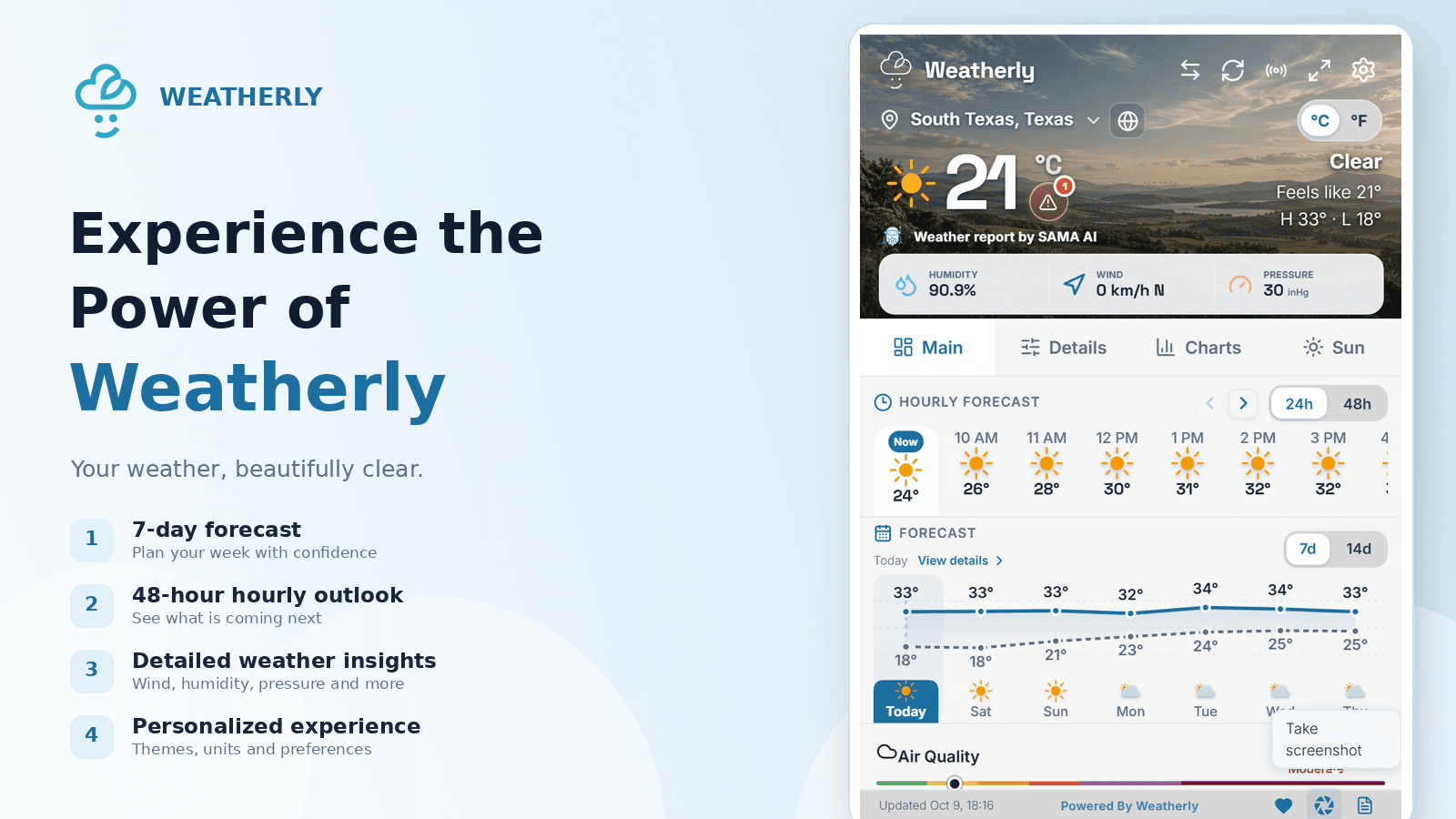
Weatherly is designed to be useful as soon as it opens. A few quick choices make it even better for the way you check the weather.
Start with the right location
Open Weatherly and search for your city. You can keep multiple locations close at hand, which is useful for family, work and travel. The main view puts current conditions first, followed by the hourly outlook and the days ahead.
Pick the details you use
Some people want wind and pressure; others care more about sunrise, air quality or precipitation. Use settings to keep the information you check most often easy to reach.
Let the toolbar do the work
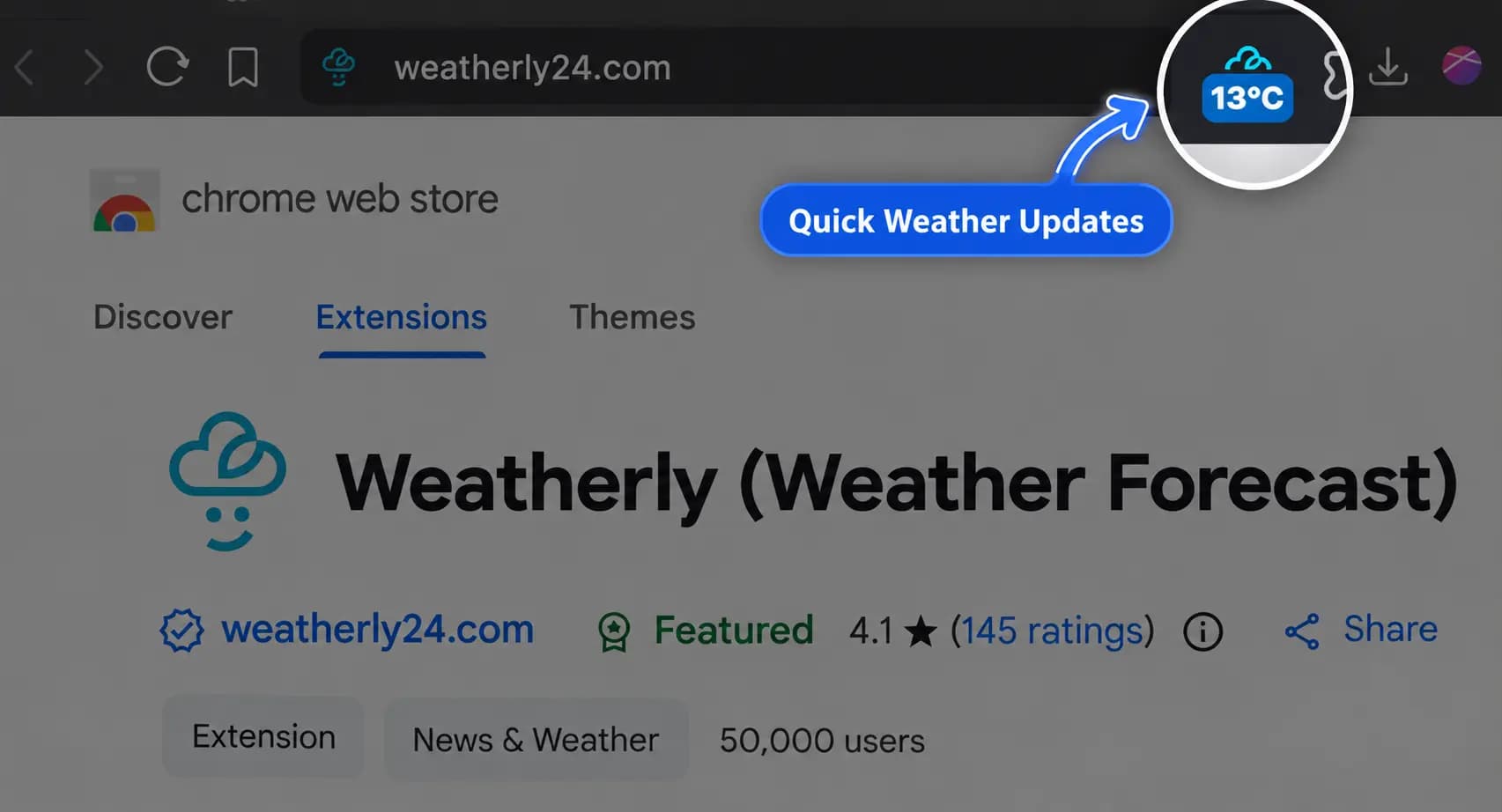
Weather badges can show a quick condition directly in the browser toolbar. That gives you an answer without opening a full forecast, while the popup remains available whenever you need the detail.
Choose a comfortable theme
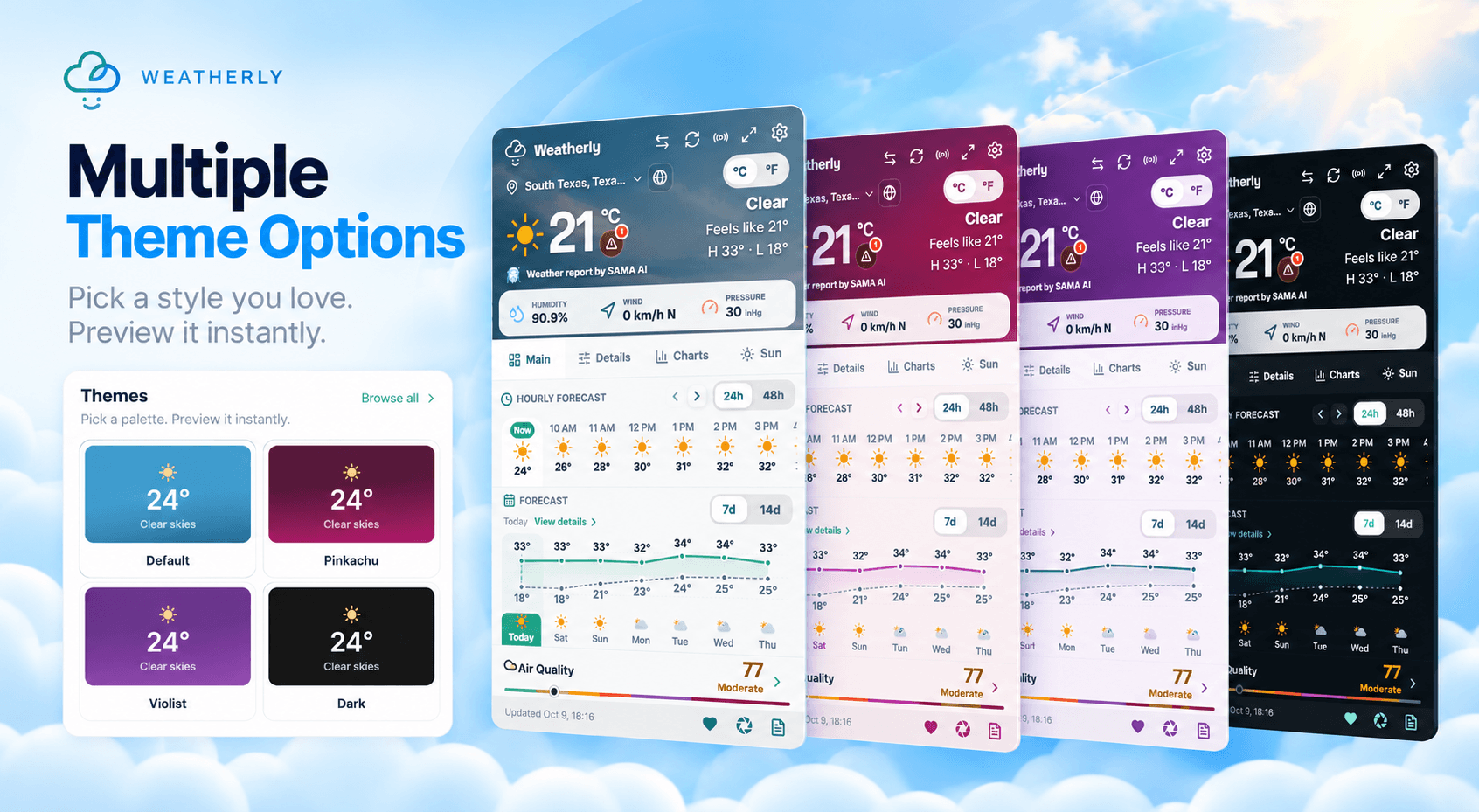
Weatherly includes light and dark themes and several ways to present forecast data. Pick the combination that stays readable in your browser and matches how much information you want on screen.
Get Weatherly from the Chrome Web Store to keep your forecast one click away.