Weatherly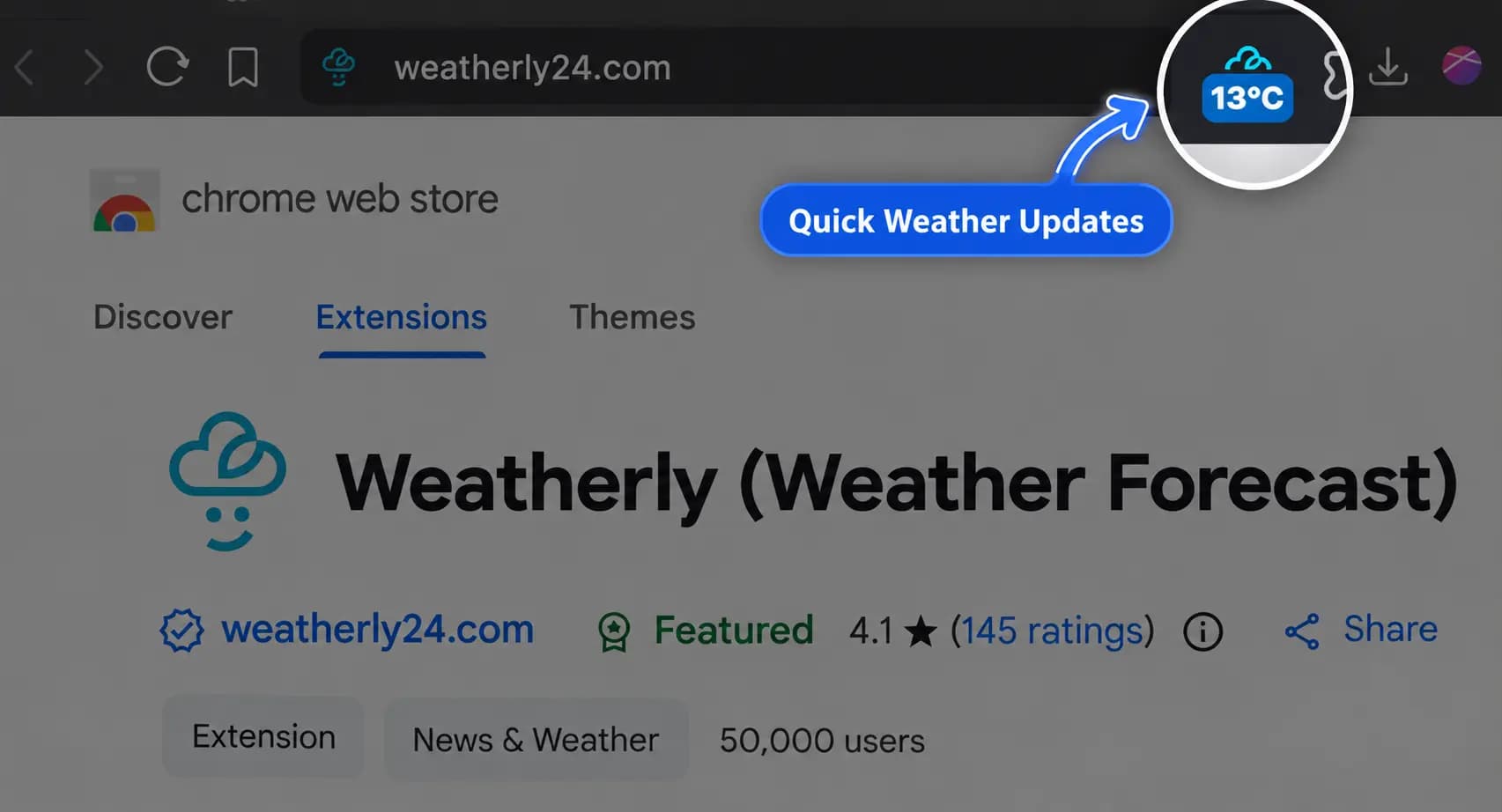
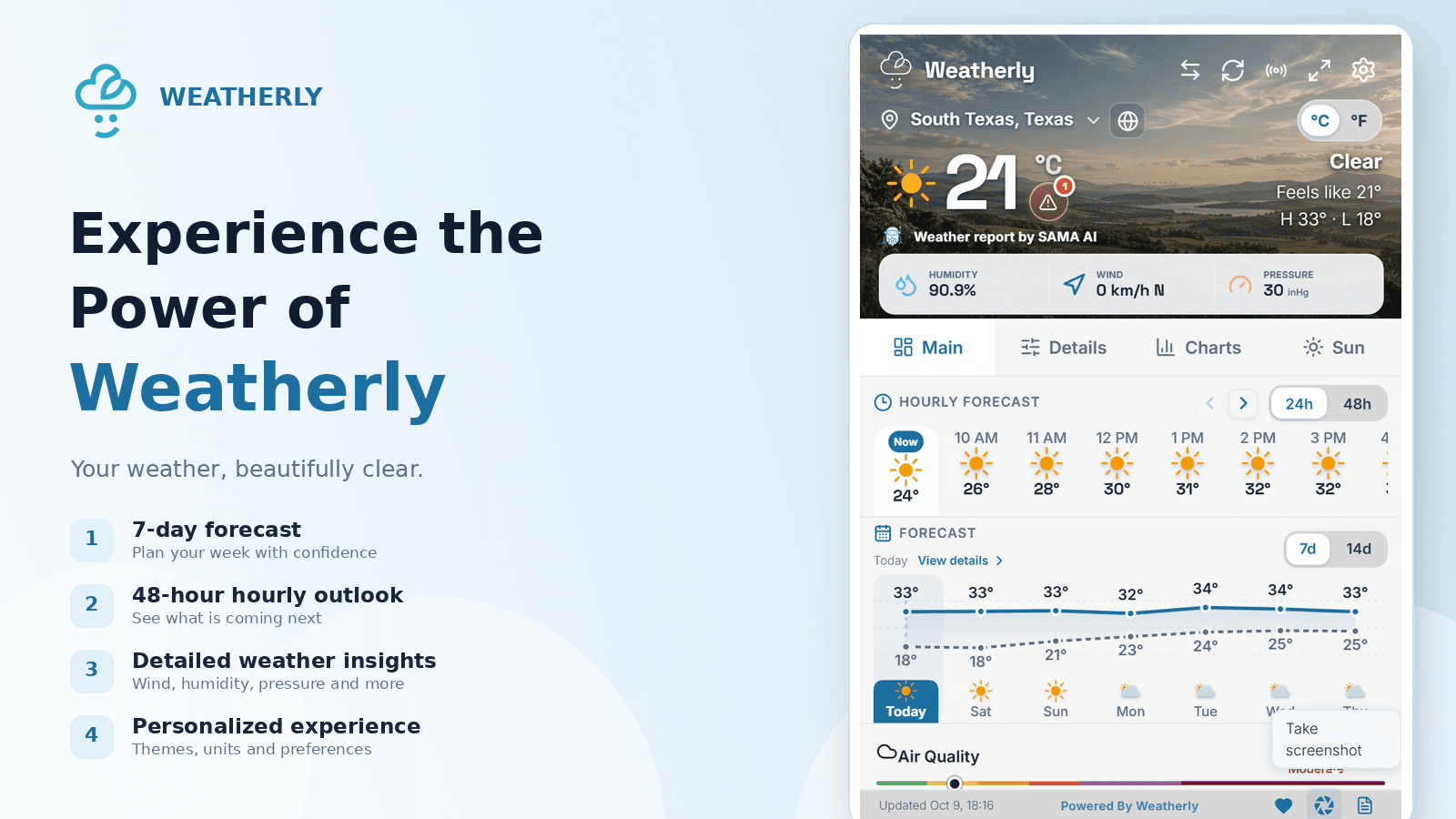
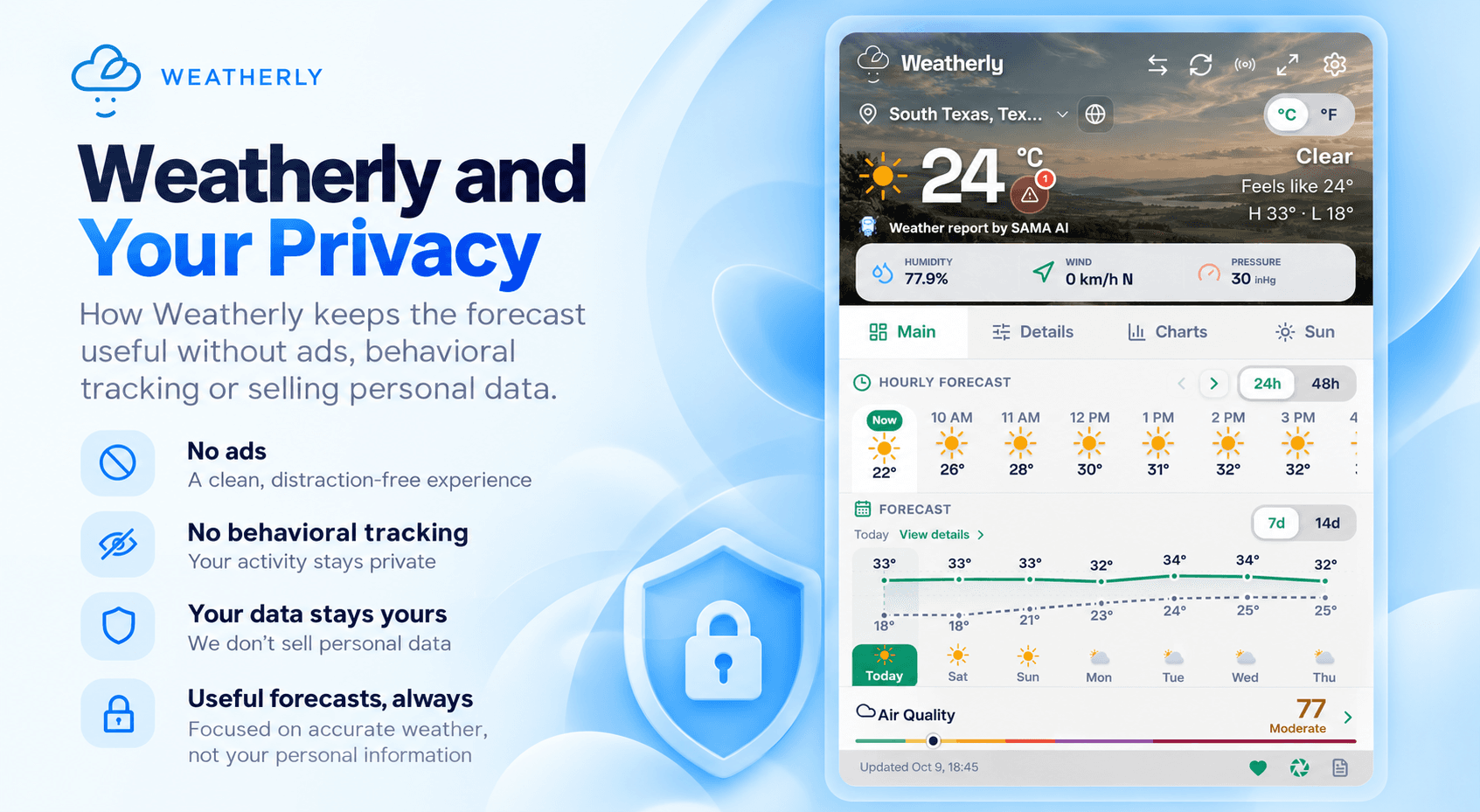
The browser toolbar is often the quickest place to check the weather. Weatherly badges put a compact signal there so you can glance at conditions and keep working.
Choose useful information
Use the badge for the value you check repeatedly, such as temperature or current conditions. The full Weatherly popup is still one click away for the hourly and weekly forecast.
Keep it readable
A badge has very little space, so short values work best. Pair it with your preferred units and theme to make the information instantly recognizable.
Update your location before travel
If you are heading somewhere new, switch the active location before you leave. The badge then becomes a small, continuous check on the conditions that matter for the trip.
Get Weatherly from the Chrome Web Store to keep your forecast one click away.