Weatherly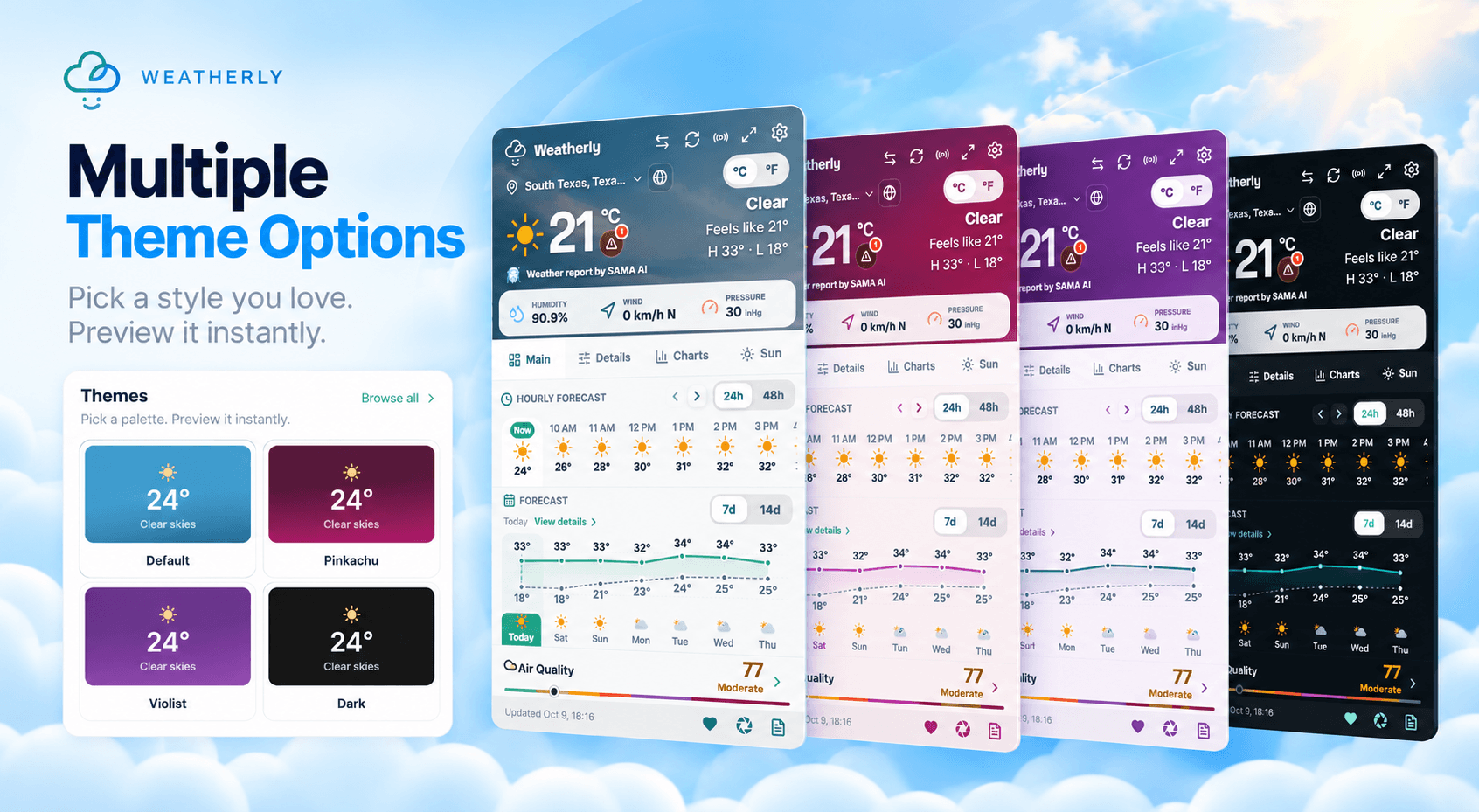
A weather extension should feel quick and familiar. Weatherly lets you adjust its appearance and measurements without turning setup into a project.
Match the browser
Choose a light theme for a bright, open forecast or a dark theme for lower glare. The extension keeps strong contrast in both, so temperatures and alerts stay easy to scan.
Use familiar units
Switch between Celsius and Fahrenheit, then choose the wind, pressure and visibility units you already use. Consistent units make a forecast much faster to understand.
Keep the forecast focused
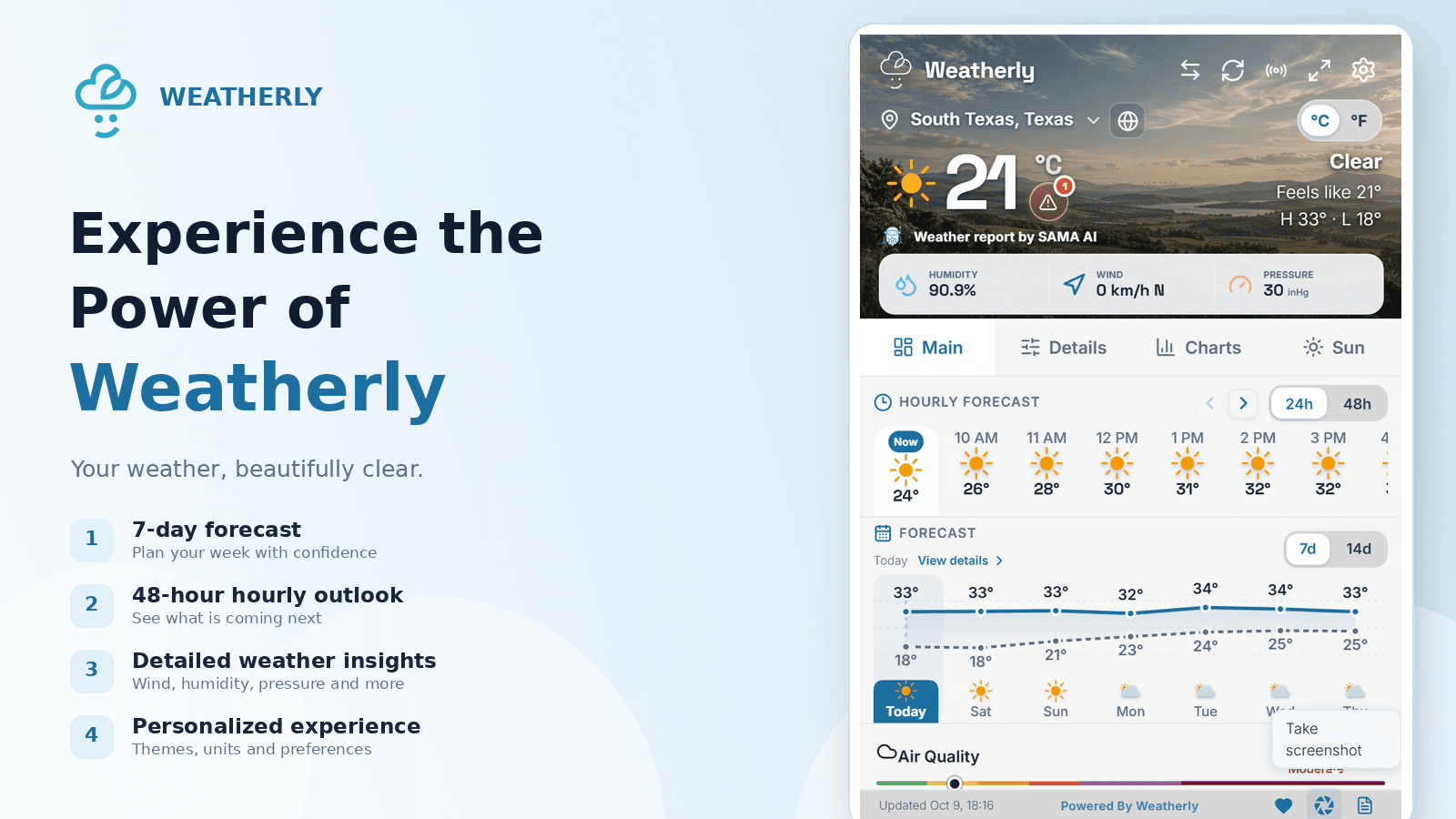
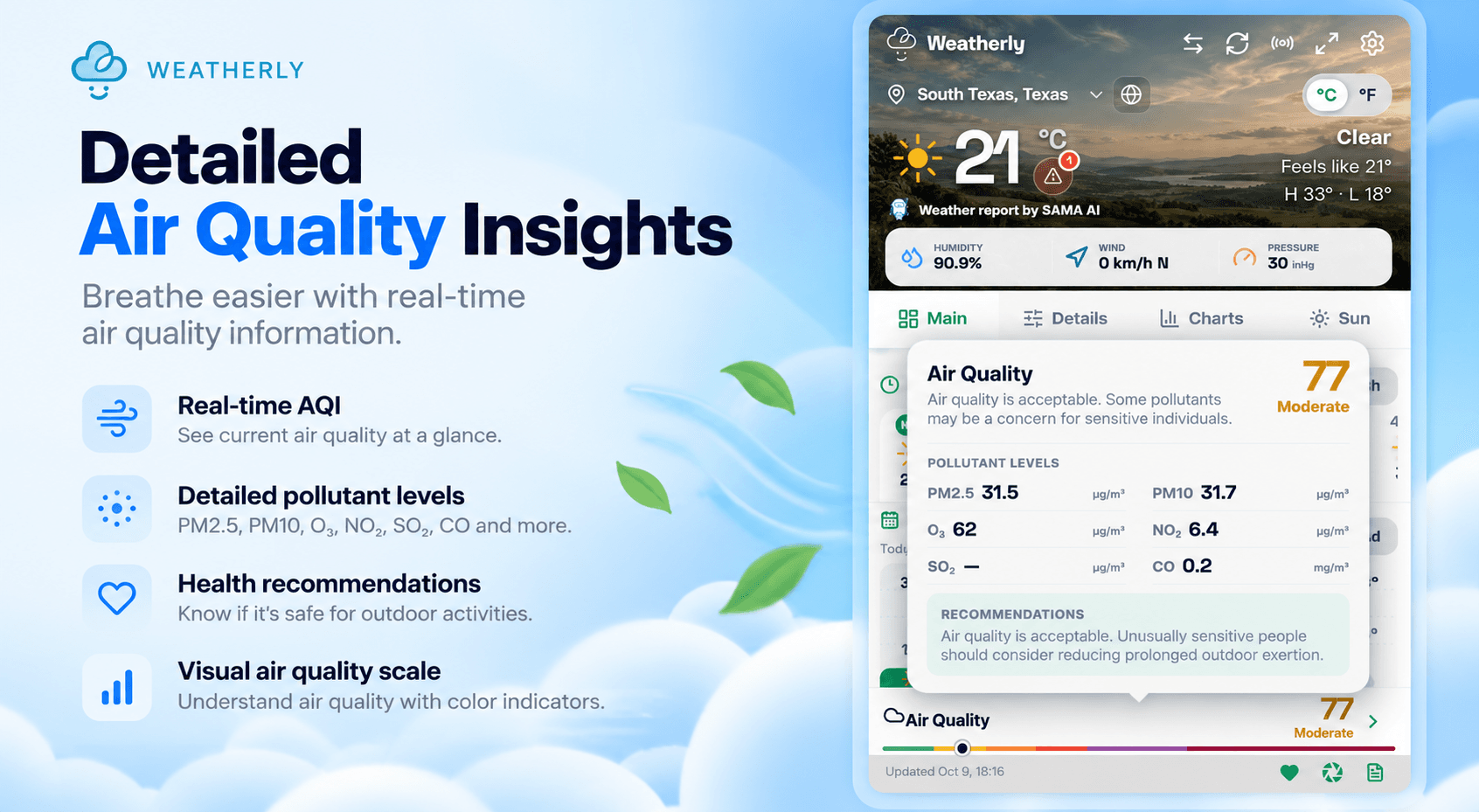
The overview balances current conditions, hourly changes and the seven-day outlook. When you need more detail, the extended panels surface air quality, astronomy and other supporting data without crowding the first view.
Get Weatherly from the Chrome Web Store to keep your forecast one click away.